
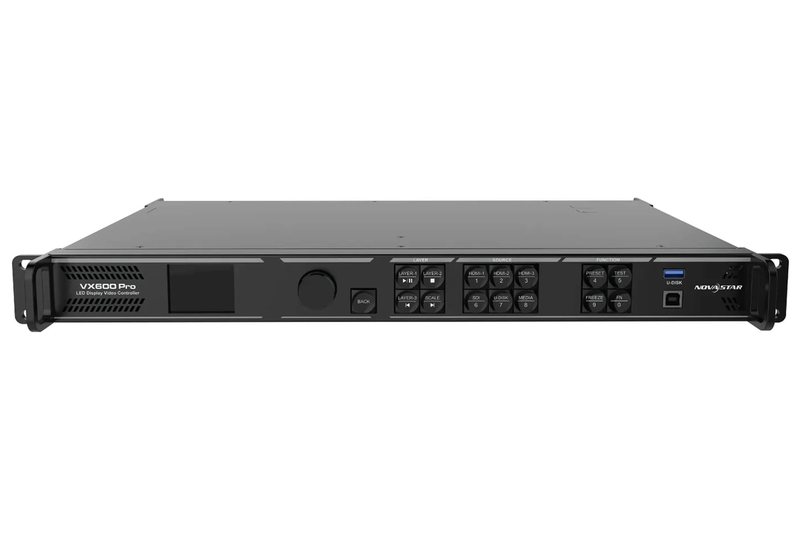
Which processor for which screen
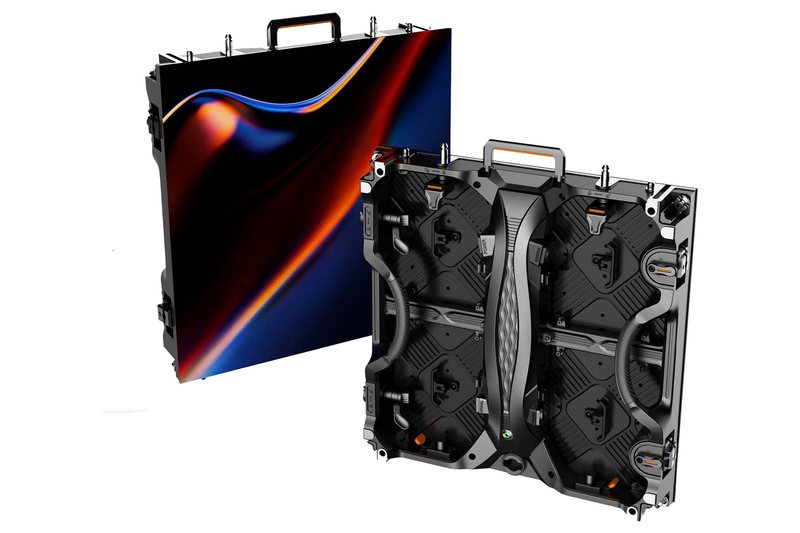
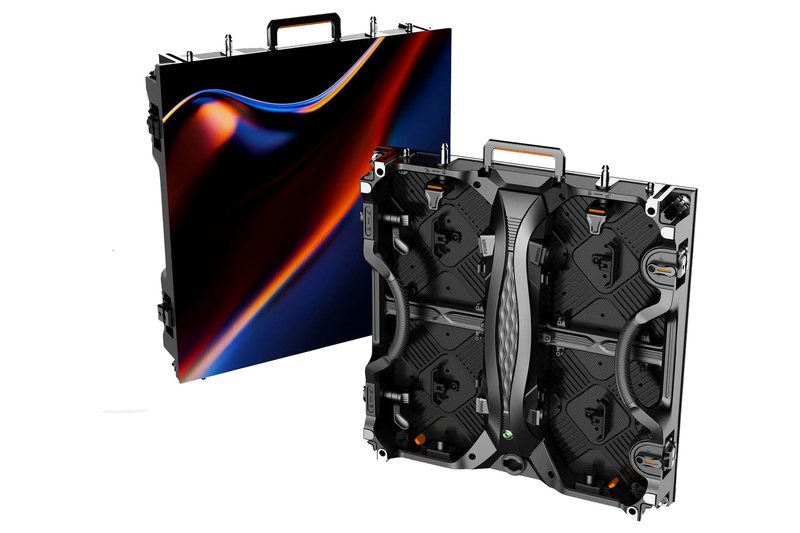
You choose the processor, also called an LED screen controller, by two limits: the total pixel count and the number of ports. One port handles 650,000 px, i.e. 17 Icon 2.6 cabinets, 23 ICON 2.9 Hybrid cabinets or 39 ICON 3.9 IP cabinets. For screens built from 50 × 50 cm cabinets, it looks roughly like this:
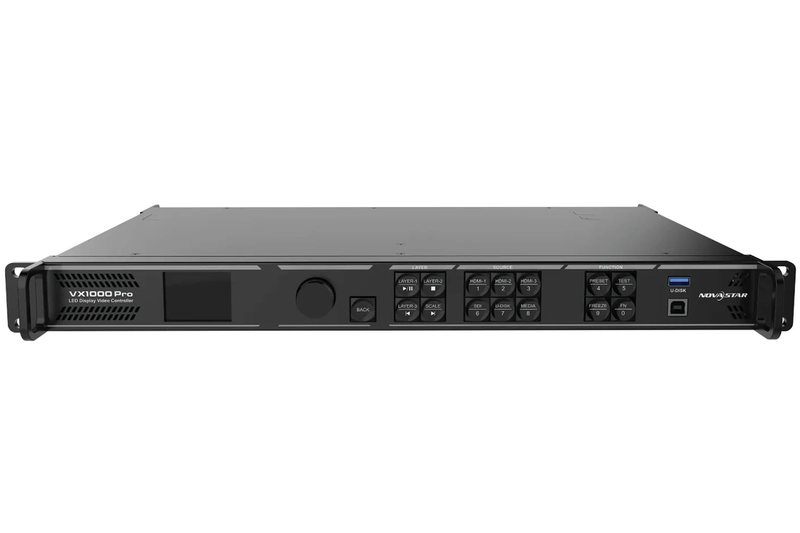
| Cabinet | Cabinets per port | VX600 Pro (6 ports, 3.9 million px) | VX1000 Pro (10 ports, 6.5 million px) |
|---|---|---|---|
| Icon 2.6 (2.6 mm) | 17 | up to 102 cabinets, approx. 25.5 m² | up to 170 cabinets, approx. 42.5 m² |
| ICON 2.9 Hybrid (2.9 mm) | 23 | up to 138 cabinets, approx. 34.5 m² | up to 230 cabinets, approx. 57.5 m² |
| ICON 3.9 IP (3.9 mm) | 39 | up to 234 cabinets, approx. 58.5 m² | up to 390 cabinets, approx. 97.5 m² |
A 6 × 3.5 m screen with ICON 2.9 Hybrid (84 cabinets, 2016 × 1176 px) fits within one VX600 Pro. A larger screen gets an additional processor. Example: a 10 × 6 m screen with Icon 2.6 has 240 cabinets and 3840 × 2304 px, more than one VX1000 Pro can handle. In practice, mapping runs by whole rows or columns, so we set the final number of cabinets per processor in the project.
How to work out ports and pixels yourself
- Pixels per cabinet: Icon 2.6 has 192 × 192 = 36,864 px, ICON 2.9 Hybrid 168 × 168 = 28,224 px, ICON 3.9 IP 128 × 128 = 16,384 px.
- Cabinets per port: 650,000 px divided by the pixels per cabinet and rounded down gives 17, 23 and 39.
- Ports per screen: the number of cabinets divided by the cabinets per port, rounded up.
- Examples: a 3 × 2 m screen with Icon 2.6 is 24 cabinets and 1152 × 768 px, so 2 ports. A 4 × 2.5 m screen with ICON 3.9 IP is 40 cabinets and 1024 × 640 px, also 2 ports. A VX600 Pro handles both.
- Dimension limit: a maximum width of 10,240 px or a maximum height of 8,192 px, within the total capacity. This is not a resolution of 10,240 × 8,192 px.
Inputs, outputs and operating modes
- Inputs: HDMI 2.0 (up to 4096 × 2160 at 60 Hz), two HDMI 1.3 (1920 × 1080 at 60 Hz), 3G-SDI (1920 × 1080 at 60 Hz), 10G fibre and USB 3.0 for playback from a flash drive.
- Outputs: Gigabit Ethernet ports to the cabinets, two 10G fibre outputs (copy or port backup) and HDMI for monitoring. Optical modules are not factory-fitted: single-mode covers up to 10 km, multi-mode up to 300 m.
- Operating modes: video controller, fibre converter and ByPass (no image processing; in this mode Genlock and low latency do not work at the same time).
- Layers and presets: 6 resources of 2K × 1K and 256 presets. With 3D in SbS or TaB format, the processor's capacity is halved.
- Latency: 1–2 frames in low latency mode. Synchronisation: Genlock IN/LOOP.
Configuration, manuals and software
You control the processor with the front knob, in NovaLCT software (where you calibrate brightness and colour pixel by pixel), from the Unico web page in a browser and from the VICP app. You set things such as scaling (full screen, pixel-to-pixel or custom), EDID, input and port backup, and test patterns. Settings are retained after a power cut, and a light sensor connector allows automatic brightness control.
Manuals: the official NovaStar specifications, version V1.0.1 of 5 March 2025, VX600 Pro (PDF) and VX1000 Pro (PDF), plus the VX Pro series page. NovaLCT and firmware are released by NovaStar.
On the cabinet side there is a NovaStar receiving card, the A5S model in ICON 2.9 Hybrid and ICON 3.9 IP. Together with the power supply and HUB card it forms one replaceable “3-in-1 power box” module. Data reaches it via Ethernet cable up to 120 m, and beyond that via fibre.
Specifications, rack mounting and certificates
| Parameter | VX600 Pro | VX1000 Pro |
|---|---|---|
| Gigabit Ethernet output ports | 6 | 10 |
| Maximum pixel count | 3.9 million | 6.5 million |
| Power consumption | 41 W | 43 W |
| Power supply | 100–240 V~, 50/60 Hz | 100–240 V~, 50/60 Hz |
| Dimensions and weight | 482.6 × 302.2 × 50.1 mm, 3.9 kg | 482.6 × 302.2 × 50.1 mm, 3.9 kg |
| Operation / noise | 0…50 °C, 5–85% RH / 45 dB(A) | 0…50 °C, 5–85% RH / 45 dB(A) |
| Rack load capacity | min. 15 kg | min. 16 kg |
The processor is mounted horizontally only, in a rack, with at least 8 M5×8 screws. It holds CE, FCC, IC, RCM, EAC, UL, CB, KC and RoHS certificates.
The processor as part of a complete screen
In the VEX catalogue the processors are listed as Icon VX600 PRO and Icon VX1000 PRO. These are the NovaStar VX600 Pro and VX1000 Pro: the FOS documentation is the original NovaStar specification. We supply them together with a FOS ICON screen. The configurator matches the processor to the pixel and port count, and when a screen exceeds the capacity of a VX1000 Pro, it adds more units. You can see the processor cost in the “Signal” block of the complete-set quote. Together with it you buy the cabinets, flight cases, rigging and power; an example of such a set is described in the guide buying a stage LED screen.
Connection, configuration and colour and brightness calibration are part of installation and commissioning, from 3,800 PLN net. A site survey costs 600 PLN net and is credited towards the project. Orders are placed per project, in batches of 8 cabinets.
3 × 2 m screen, Icon 2.6: 24 cabinets and 2 ports. Free, no sign-up
Price a screen with a VX600 Pro processor8 × 4 m screen, Icon 2.6: 128 cabinets and 8 ports. PDF sheet to download
Price a large screen with a VX1000 Pro processorService and continuity of operation
The processor supports backup of devices, inputs, ports and optical links, and retains its settings after a power cut. After installation we take service requests at biuro@vex-systems.pl and +48 794 797 959, and you can extend service support with the Standard, Priority or Managed packages.
See also: how to choose LED pixel pitch, LED screen installation and how much does an LED screen cost.